Adding AI to Shopify or WooCommerce without breaking the store
The integration risk is not the model. It is stale product data and a widget that fights your theme.
Two problems, not one
Adding an assistant to an existing store is really two jobs: keeping product data current, and putting an interface on the page without disturbing the theme.
Keep the catalogue fresh with webhooks
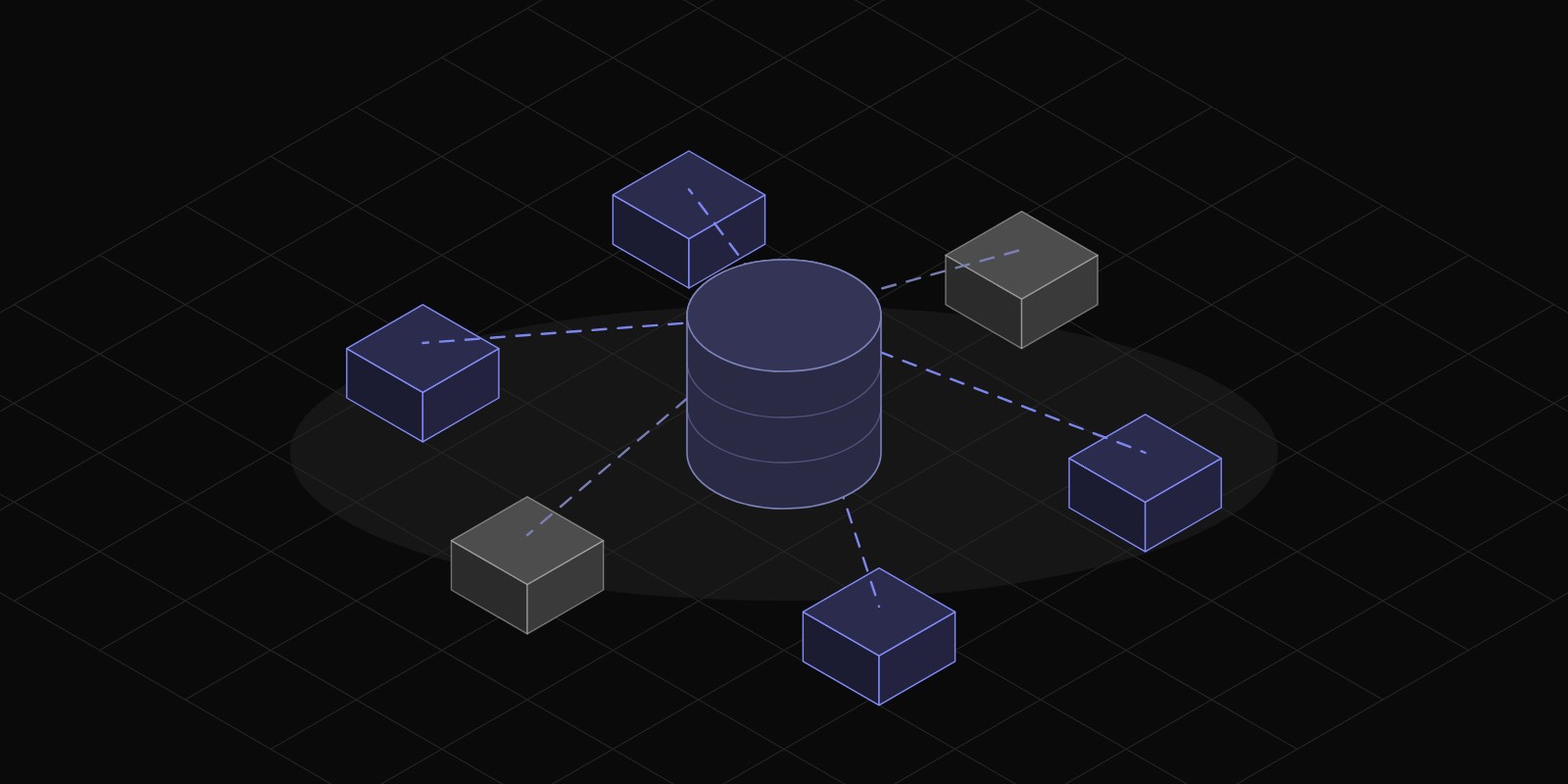
Polling the store API on a schedule means your assistant is confidently wrong for however long the interval is. Both Shopify and WooCommerce can push changes as they happen. Subscribe to product, inventory and order events, and treat the store as the source of truth for anything you quote.
Always resolve price and stock at response time anyway. The index tells the assistant what exists; the store tells it what is true right now.
Isolate the widget
Themes and injected widgets collide over styles. Rendering the assistant inside a shadow root keeps your styles out of the theme and the theme's styles out of yours. It also survives a theme update, which a widget built on the theme's own classes will not.
Before launch
Test on a staging store with real products, on a phone, with the theme the shop actually uses. Check what happens when the catalogue is large, when a product has no image, and when the store is mid-update.
ToolGo Team
Product & Engineering
We build practical SaaS tools and write about what we learn — from product decisions to technical deep-dives.